This free online tool allows you to quickly convert JPG or JPEG images into high-quality PNG format with optimized compression. Unlike many other platforms, it requires no email signup, supports bulk image conversion, and lets you upload files up to 50MB with ease.
How to Convert JPG to PNG
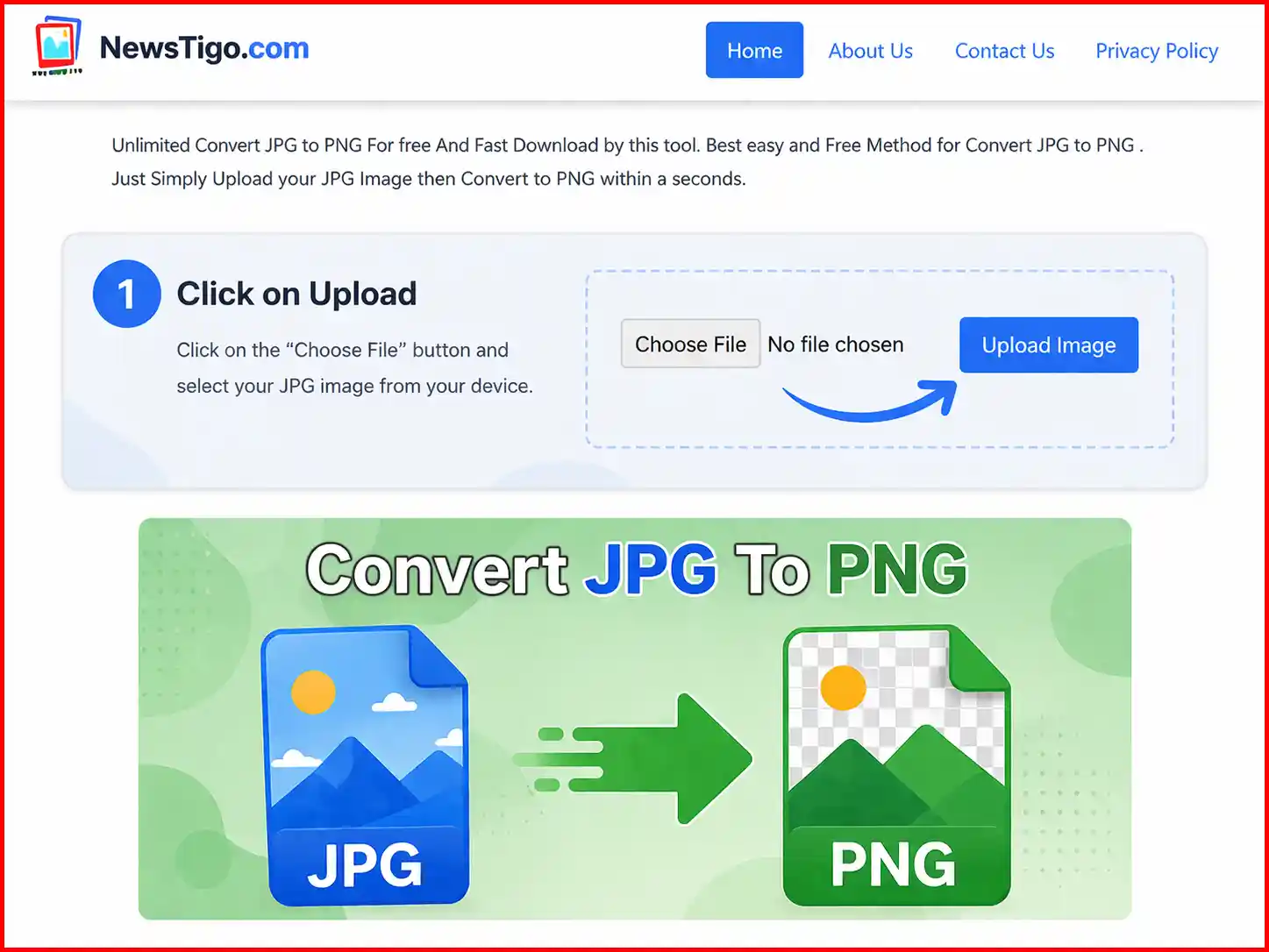
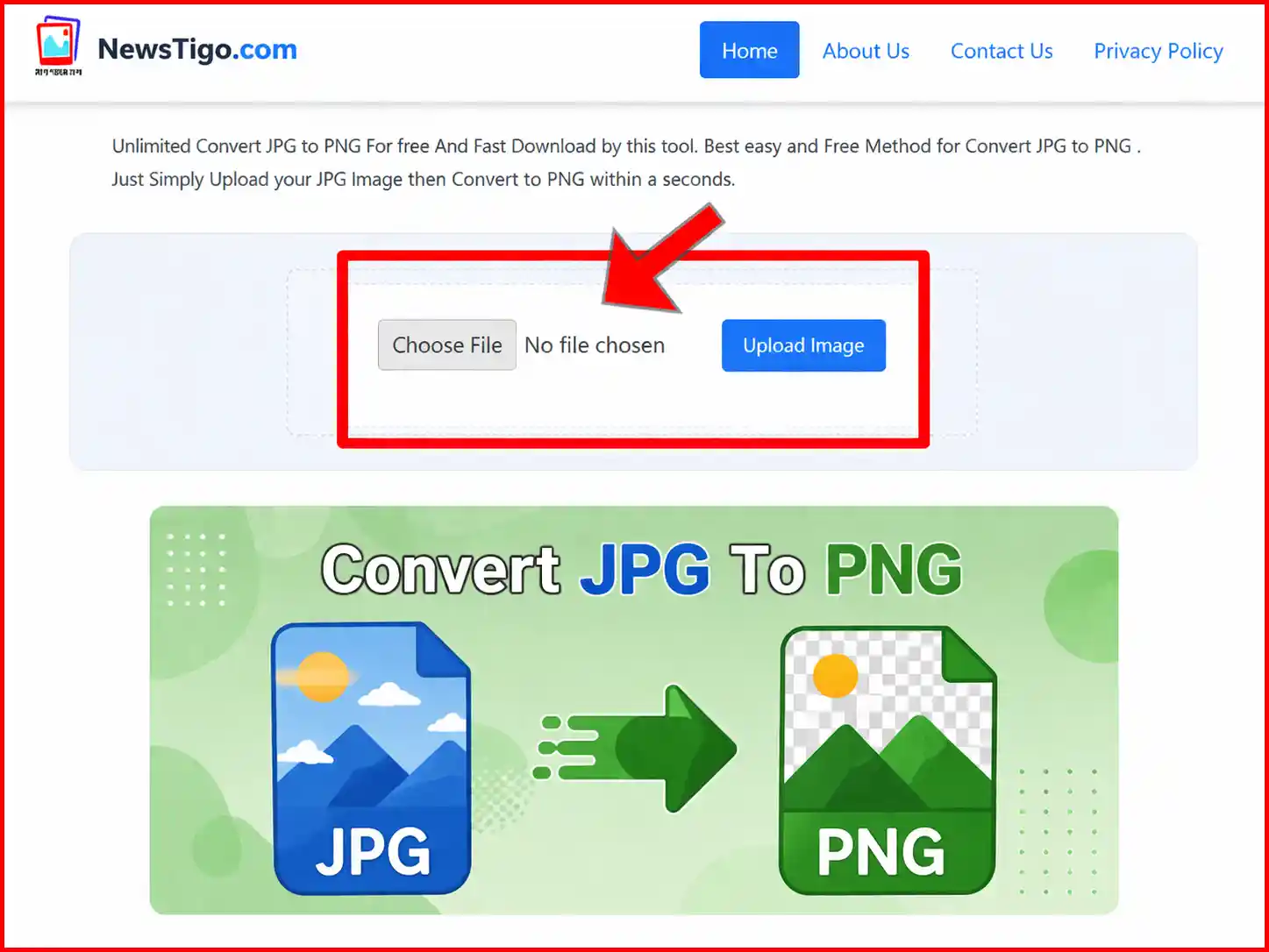
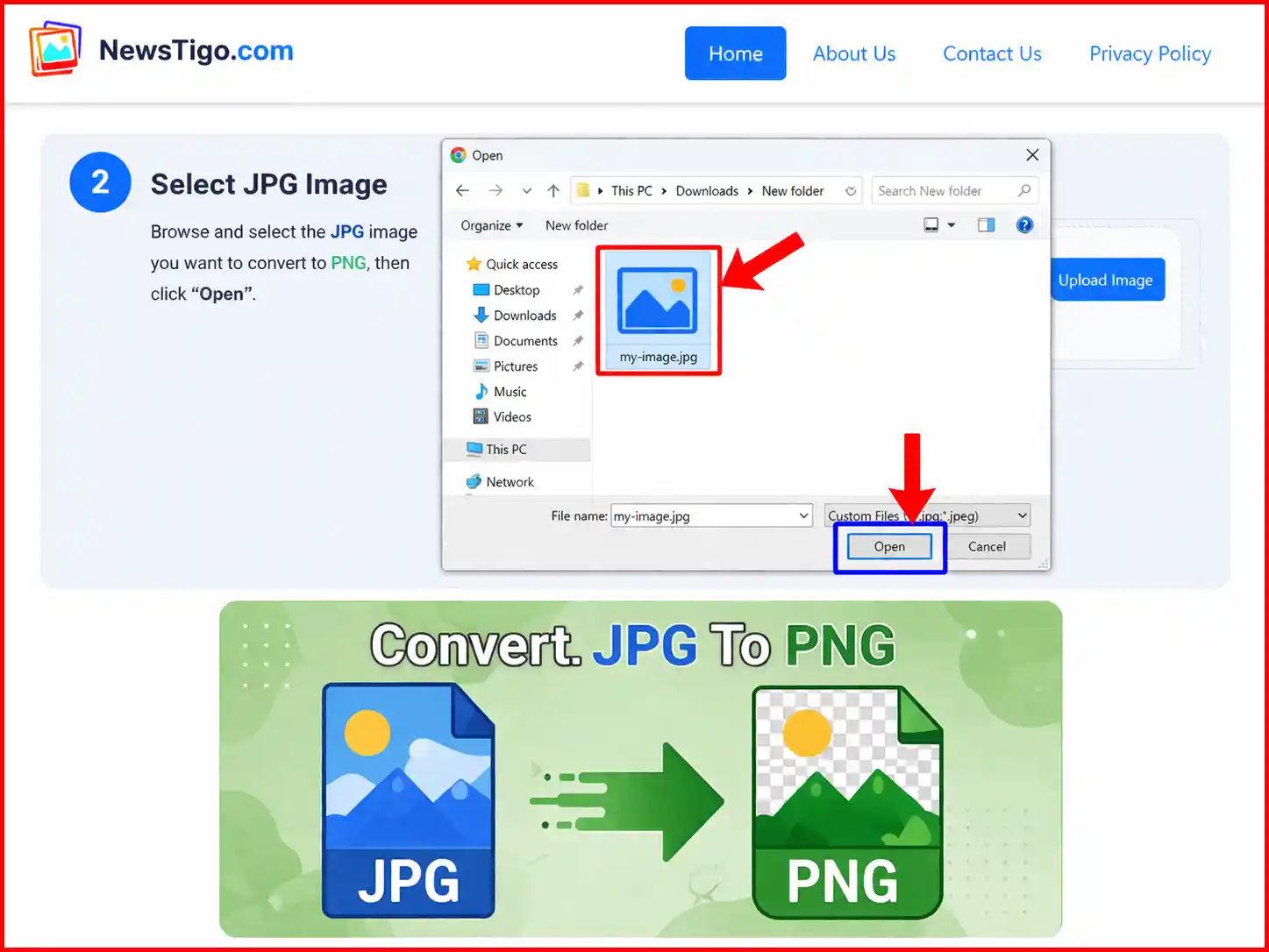
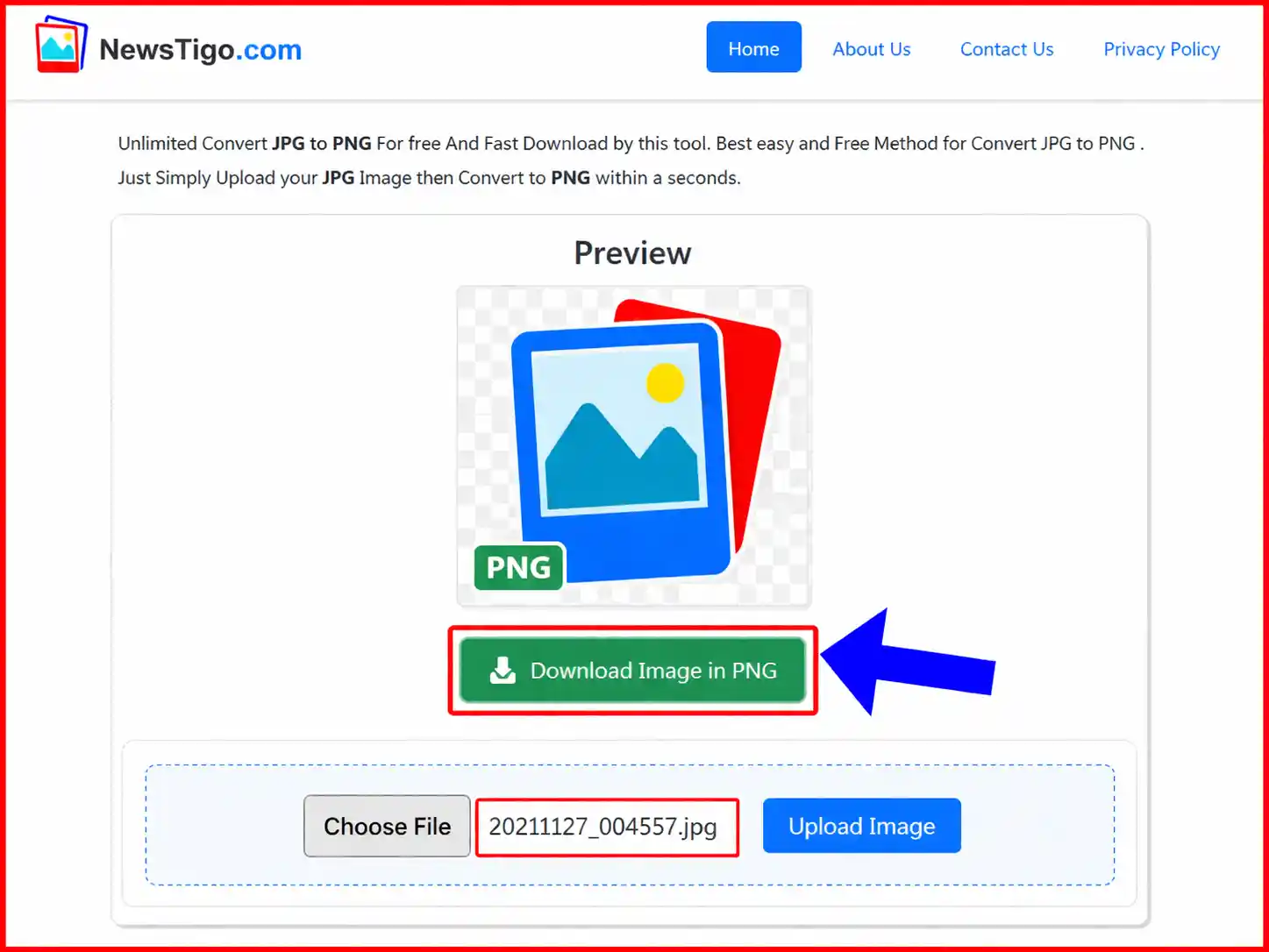
- Select and upload your JPG or JPEG image that you want to convert.
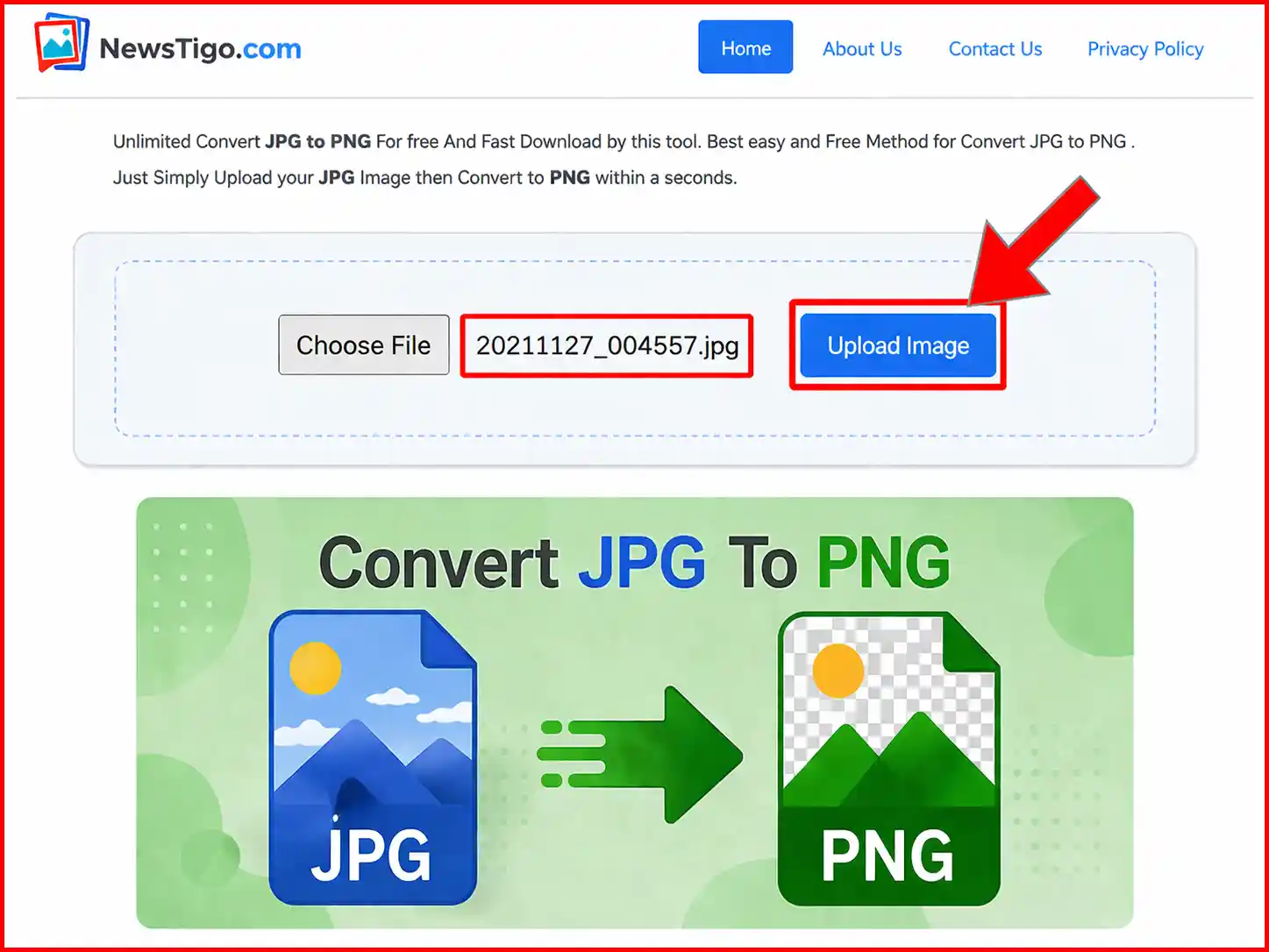
- Click on the Upload Image button to start the process.
- Your image will be automatically converted into high-quality PNG format within seconds.
- Once the conversion is complete, click on "Download Image in PNG" to save your file.
How can I convert JPG to PNG for free?
- Upload any PNG format image you want to convert into JPG.
- Click on Upload Image and the Uploading will start.
- The PNG format image will automatically convert to JPG format and a JPG format image download link will be provided.
- Click on "Download Image in JPG" to download your converted image for free.
- For Save your PNG Image Click on "Download Image in PNG" to download your converted PNG Format image.